
WordPress plugin
Aepto Domain Expiry, SSL & DNS Monitor adds free Domain Anchor on your WordPress site. No Aepto account required for Anchor. Optional Connect adds cloud uptime and portfolio tools from Aepto.
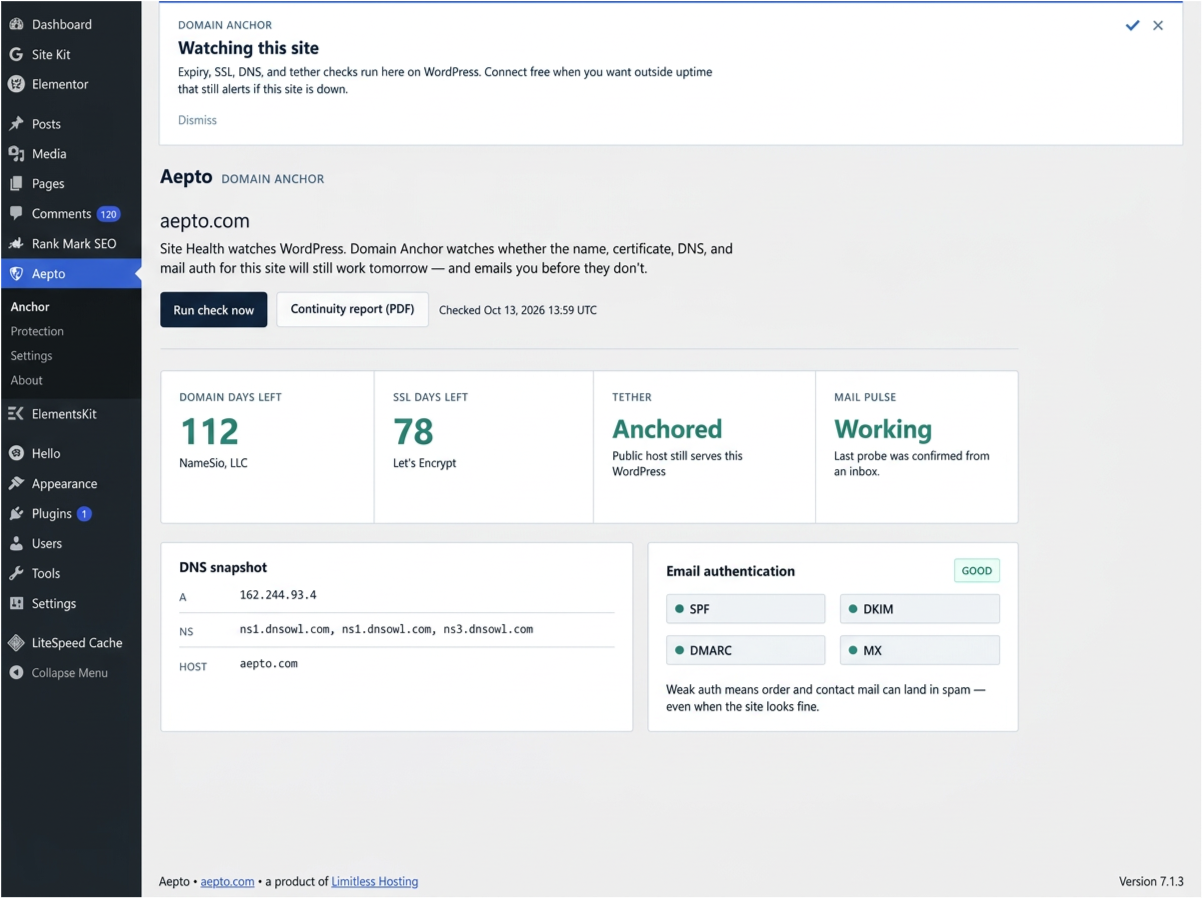
Install from WordPress.org, activate the plugin, then open Aepto in wp-admin.
Get it on WordPress.org
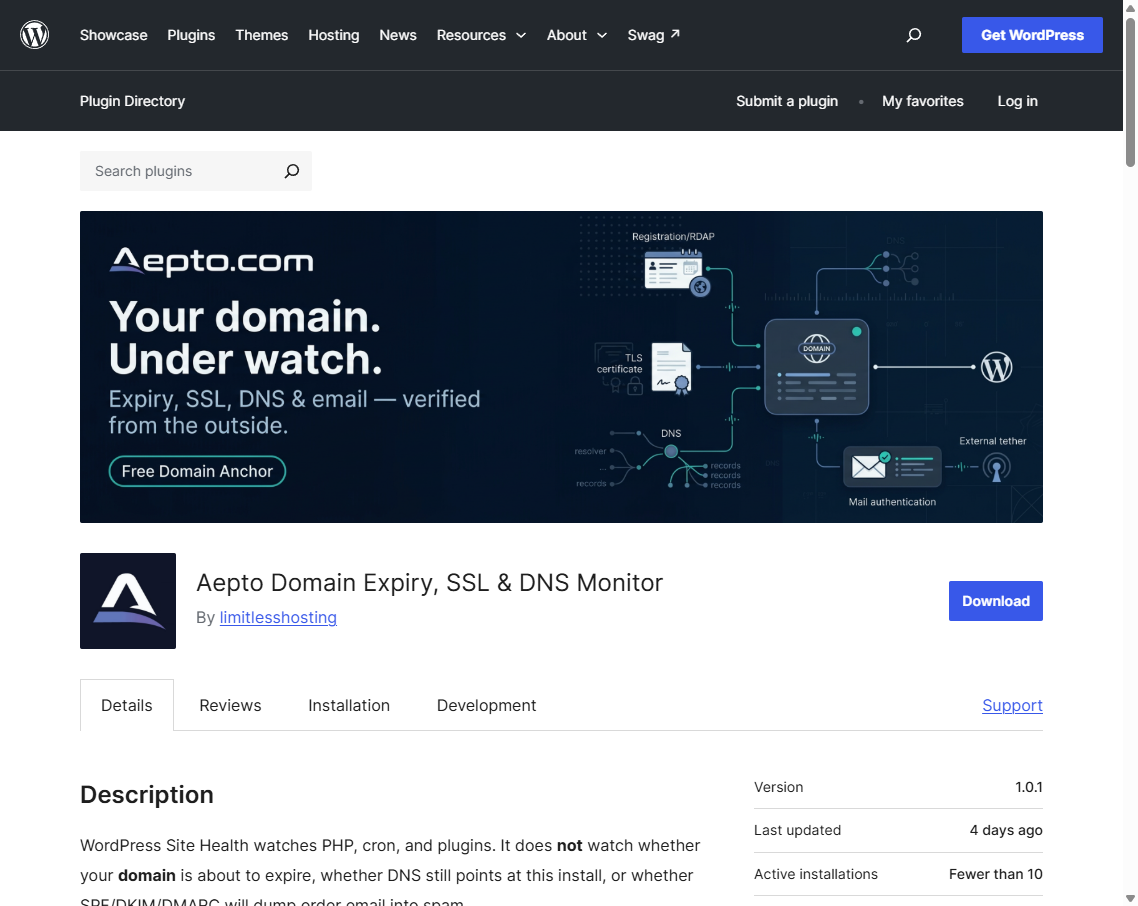
Install and activate
- In WordPress, go to Plugins, then Add New.
- Search for Aepto Domain Expiry, or open the WordPress.org listing and install from there.
- Click Install Now, then Activate.
- Confirm the Aepto menu appears with Anchor, Protection, Settings, and About.
Domain Anchor (free)
- Open Aepto, then Anchor.
- Click Run check now. Review domain days left, SSL days left, tether status, DNS snapshot, and SPF / DKIM / DMARC grade.
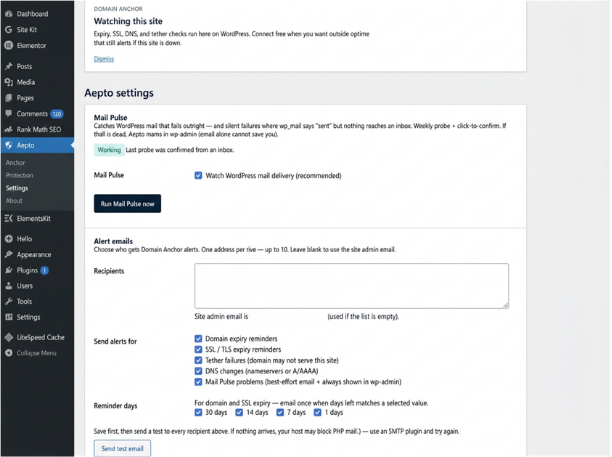
- Open Aepto, then Settings. Add alert recipients (up to 10), choose alert types, and set reminder days (30 / 14 / 7 / 1).
- Click Save settings, then Send test email. If mail fails, install an SMTP plugin - many hosts block PHP mail.
- Optional: click Run Mail Pulse now and confirm the probe email from an inbox.
- Download Continuity report (PDF) from Anchor when you need a client-ready summary.
Connect free with Aepto
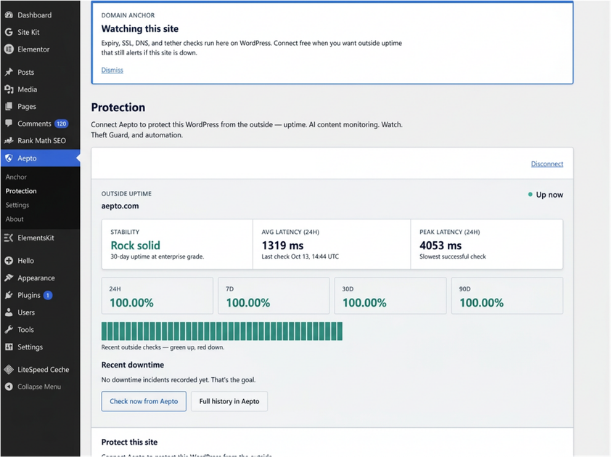
- Your site must be reachable over public HTTPS. Connect from localhost or plain HTTP will fail (expected).
- Open Aepto, then Protection (or use Connect on Anchor / About) and click Connect free with Aepto.
- Sign in or create your Aepto account and approve access.
- Click Add domain to portfolio, then Enable uptime monitoring.
- On a paid plan you can also enable AI content monitoring, Domain Watch, and Theft Guard from Protection.
- Use Check now from Aepto, Full history in Aepto, or Open in Aepto when you want the cloud dashboard.
Disconnect
- In WordPress: Aepto, then Settings, then Disconnect & revoke tokens (or Disconnect on Protection).
- In Aepto: avatar menu, then Connected apps, then Disconnect for that WordPress site.
Domain Anchor keeps working after disconnect. Also see the Chrome extension and Claude connector. Developer notes: WordPress Connect.
FAQ
Do I need an Aepto account for Domain Anchor?
No. Aepto Domain Expiry, SSL & DNS Monitor runs free Domain Anchor on your WordPress site—expiry, SSL, DNS, tether, and email auth checks without Connect.
Why did Connect fail from localhost?
Connect requires a publicly reachable HTTPS site. Localhost or plain HTTP will fail by design—use production HTTPS before Connect free with Aepto.
Test email failed—what should I try?
Many hosts block PHP mail. Install an SMTP plugin, save alert recipients under Aepto → Settings, then Send test email again.
What does Connect add on top of Anchor?
Cloud uptime from Aepto, Add domain to portfolio, and on paid plans optional AI Content Monitoring, Domain Watch, and Theft Guard from Protection.
Does disconnecting stop Domain Anchor?
No. Disconnect & revoke tokens stops cloud sync only. Anchor checks and local alerts keep working in wp-admin.
More answers: FAQ hub.